Family recipe printouts. Scanned cookbook pages.
Drop a PDF; Heirloom extracts recipes into your private Recipe Box.
Private by default. Share only when you choose
Free forever
Unlimited manual recipes, web saves from any site, share with family, 14-day premium trial. No credit card to start.
Premium · $6.99 / mo · $39.99 / yr
Voice capture, handwritten card scanning, cooking-video extraction, bulk cookbook PDF (500+ pages), AI restyle, all 20 templates.

14-day free trial · cancel anytime
Recipes disappear. Preservation doesn't.
Screenshots, feeds, and fading cards. No single place that lasts.
- Sites and accounts change
- Feeds move on
- Paper doesn't last forever
One tap from almost any source. Clean, organized, and private until you share.
- Share to Heirloom
- Saves while you keep scrolling
- Private by default
From PDF to recipe card
Works with any PDF
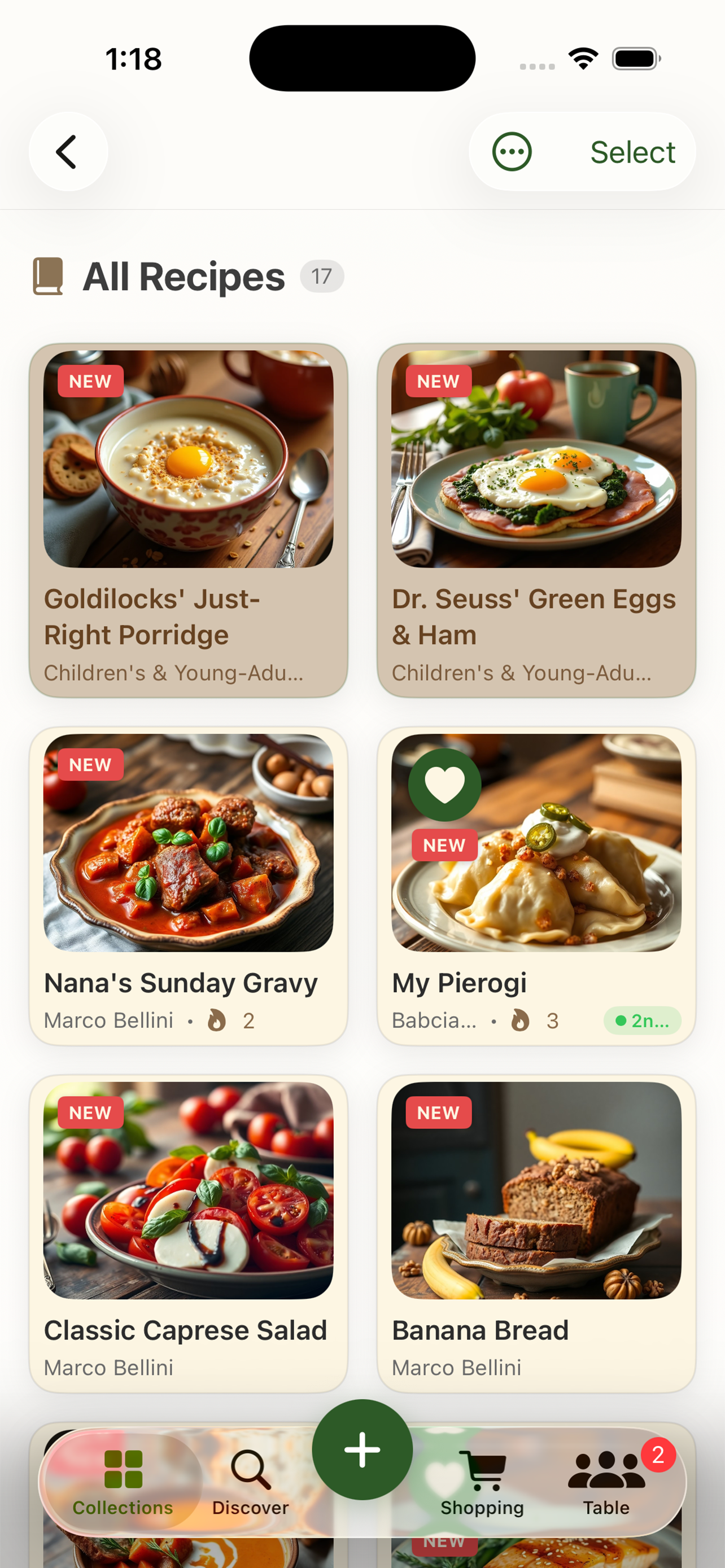
Free to start. Premium widens what counts as a recipe.
Save links, type recipes by hand, share with family. Free, forever. Premium adds the tools that turn every recipe you find into one your family can cook from: voice notes, cooking videos, handwritten cards, cookbook PDFs, AI Spark, unlimited covers, and all 20 designed templates.
- Everything in Premium
- Best value. Save 52%
- Cancel anytime
- Everything in Premium
- Cancel anytime
- Flexible
FAQ
Preserve your PDF recipes