Every capture method. One preservation system.
Recipes live everywhere—screenshots, videos, cookbooks, voice. Heirloom captures from any source so nothing slips through.
Private by default — Share only when you choose
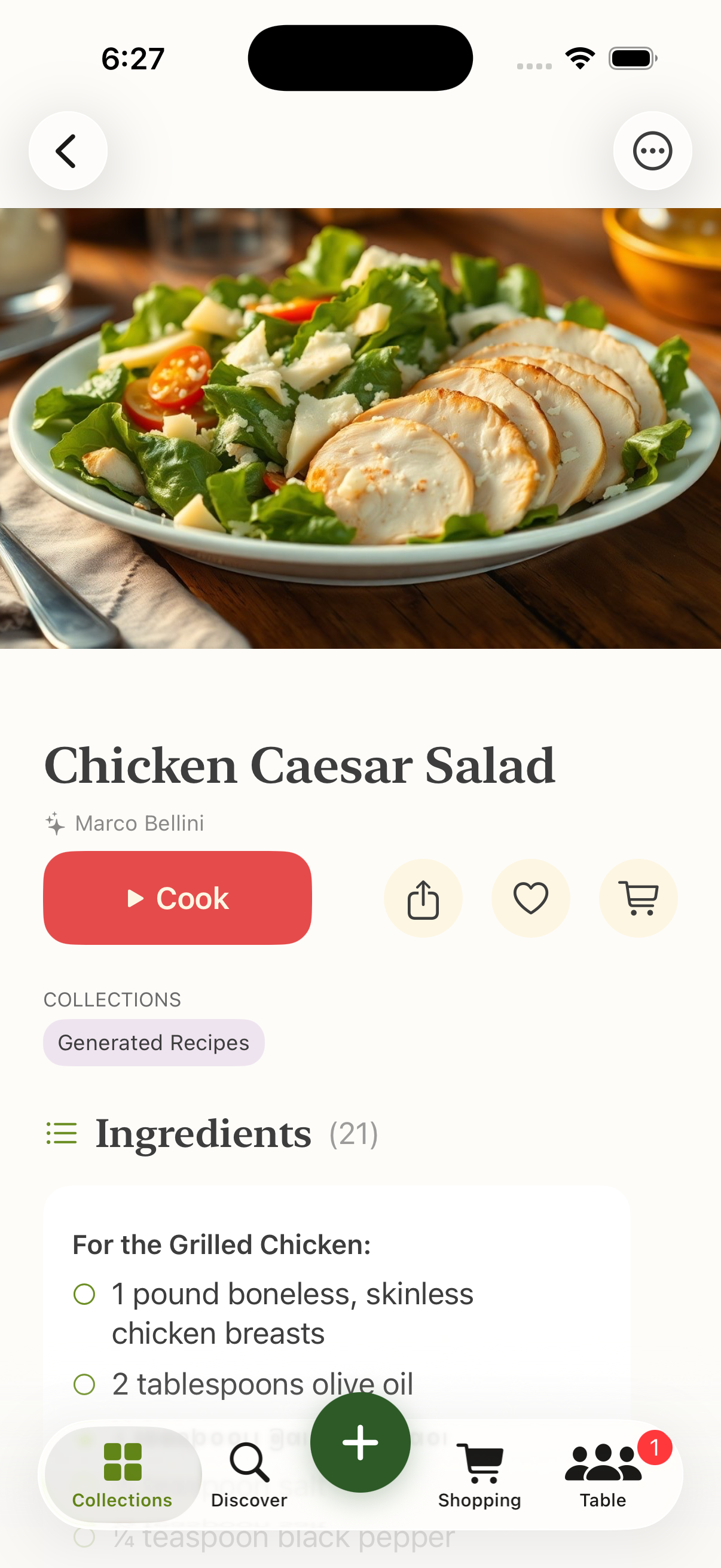
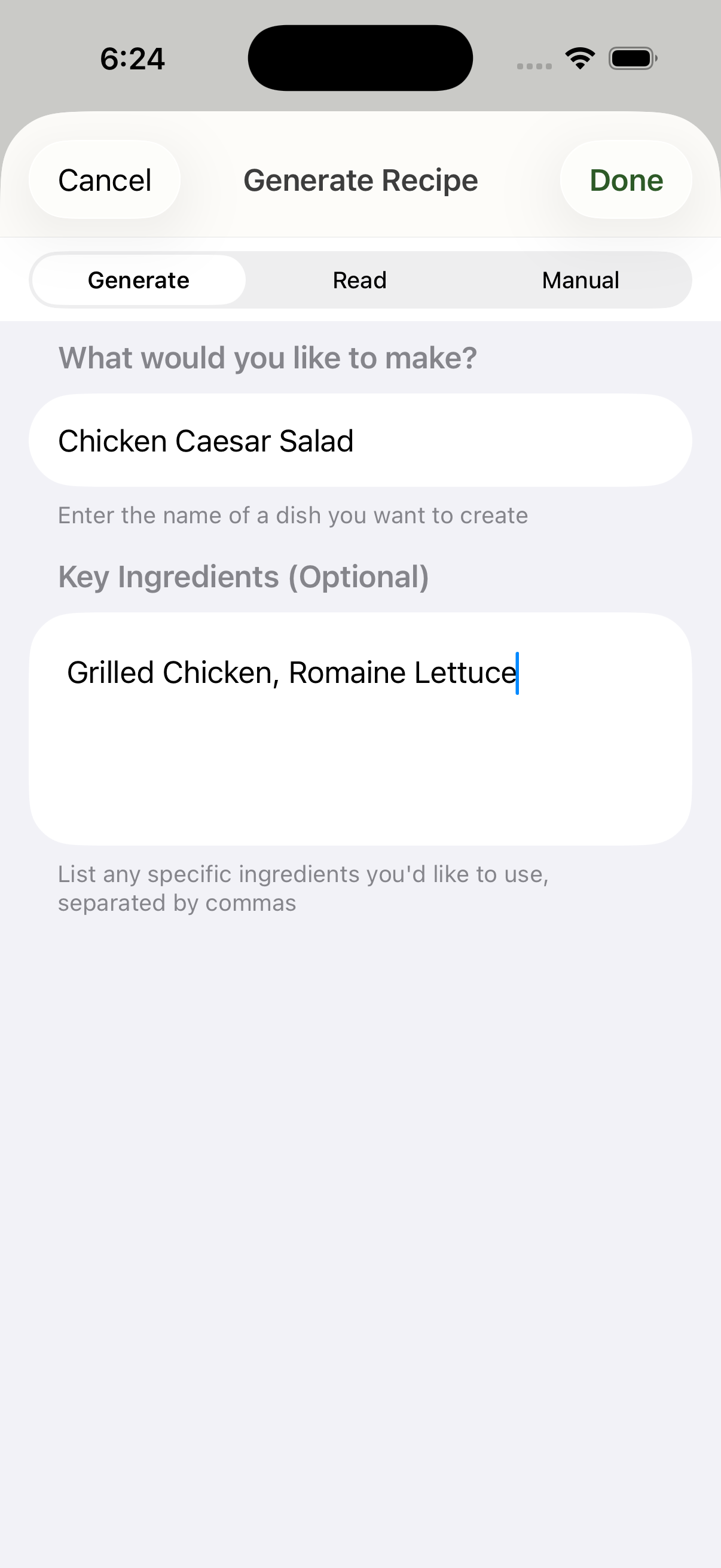
Describe a dish — AI writes a complete recipe.
Paste any recipe link. Clean recipe, instantly.
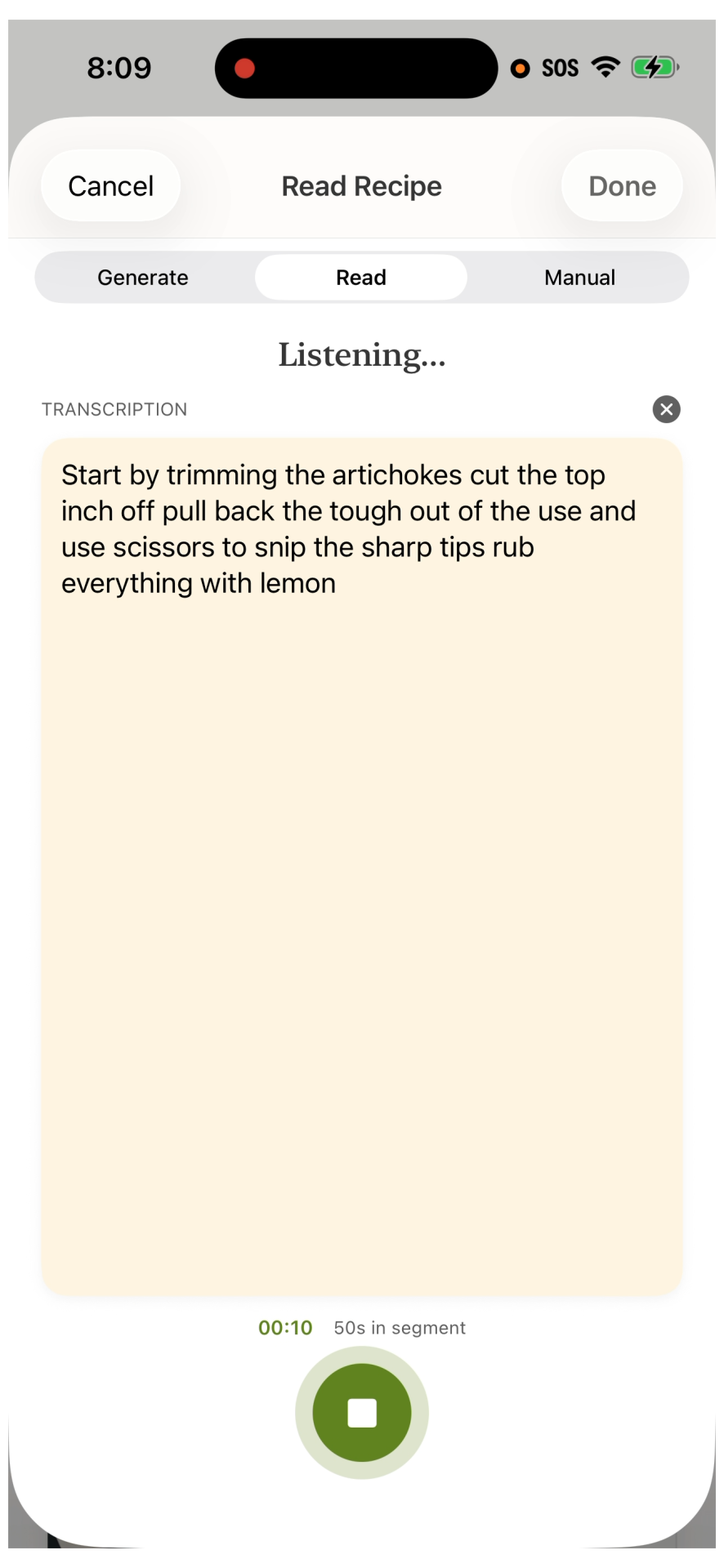
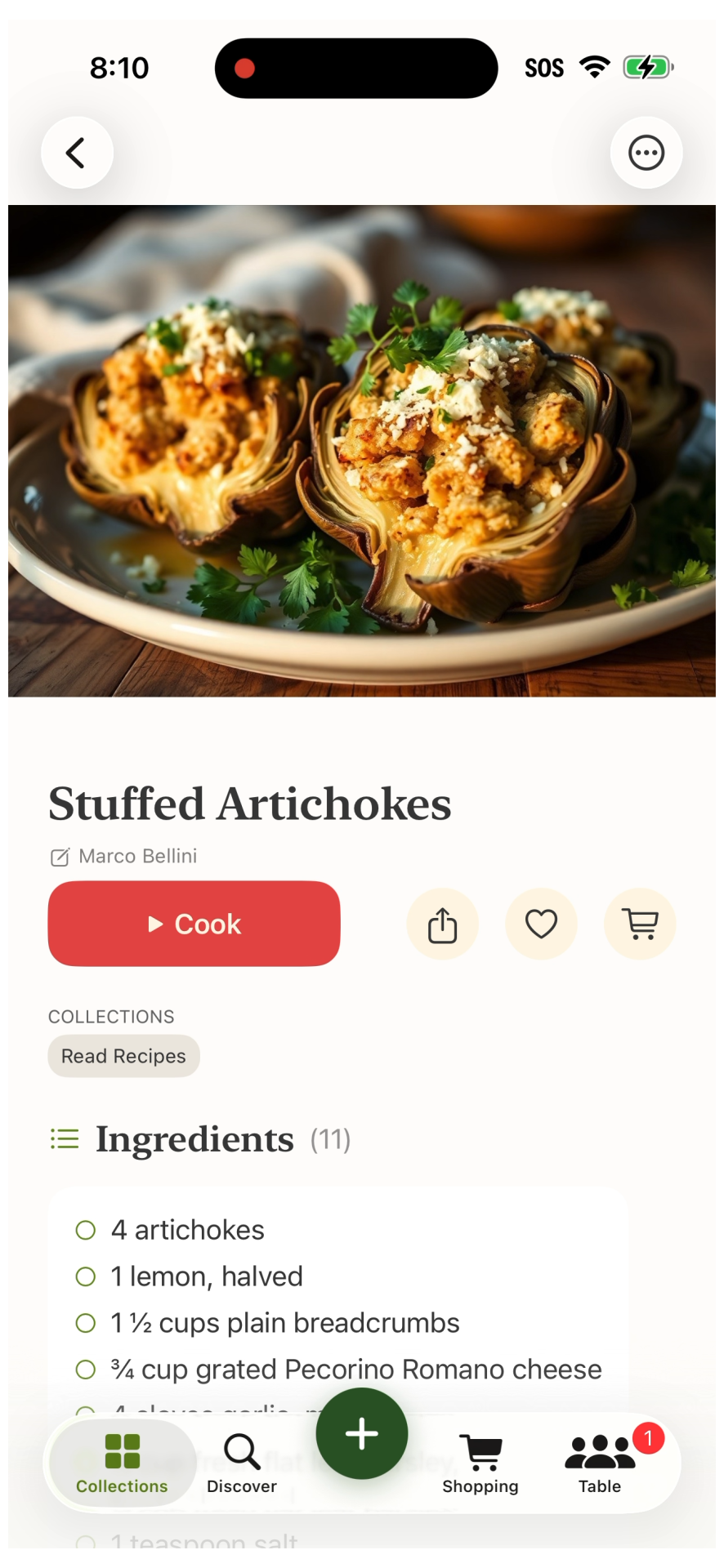
Speak a recipe aloud — structured into a card.
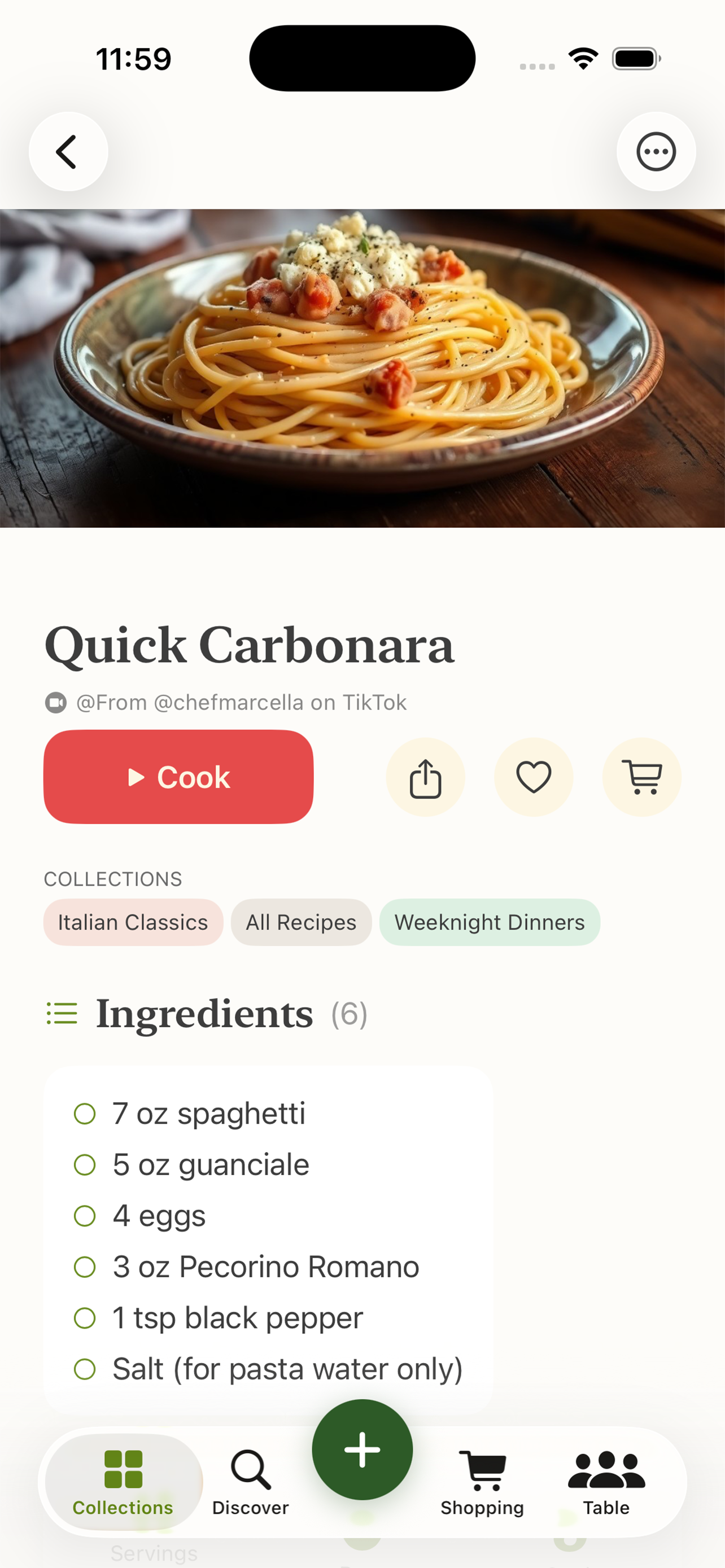
TikTok, Instagram, YouTube — extracted automatically.
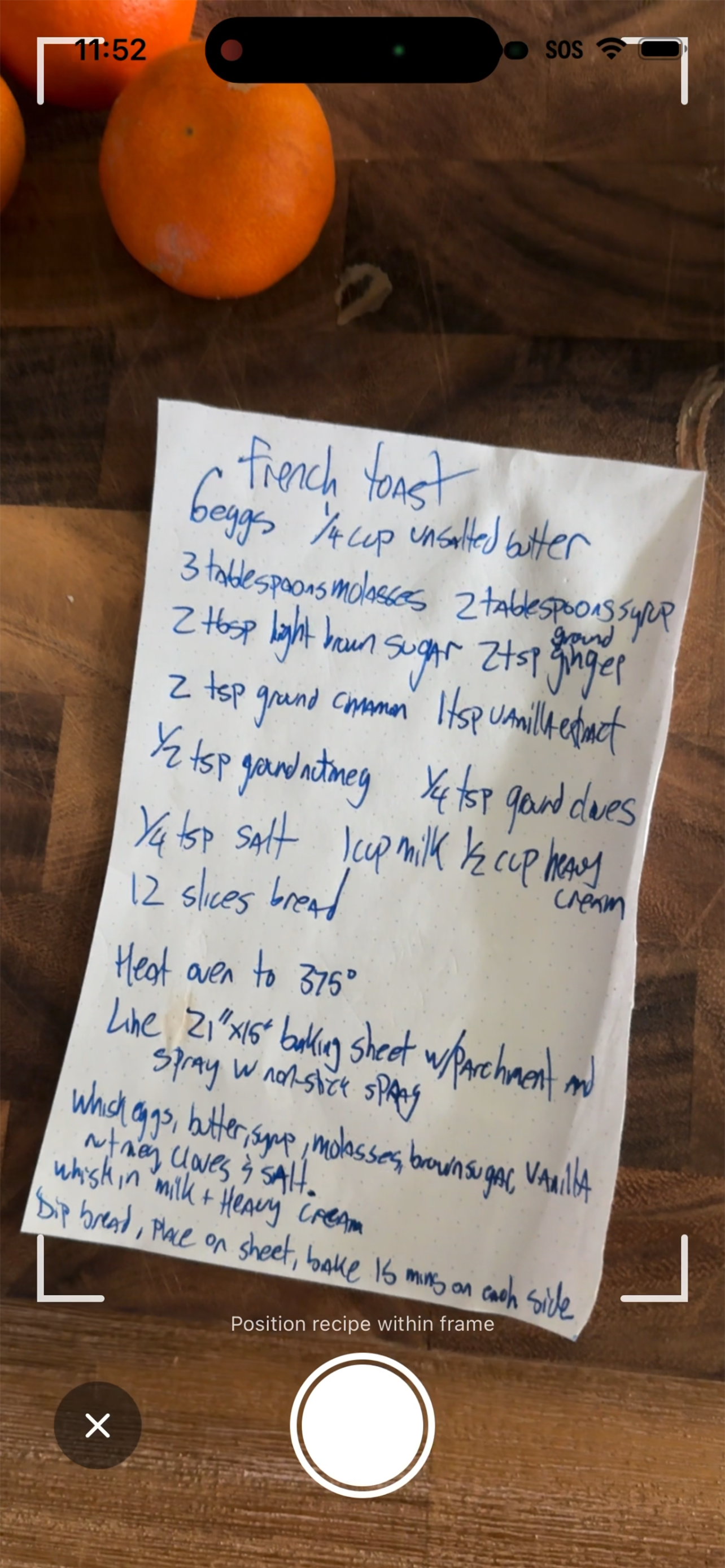
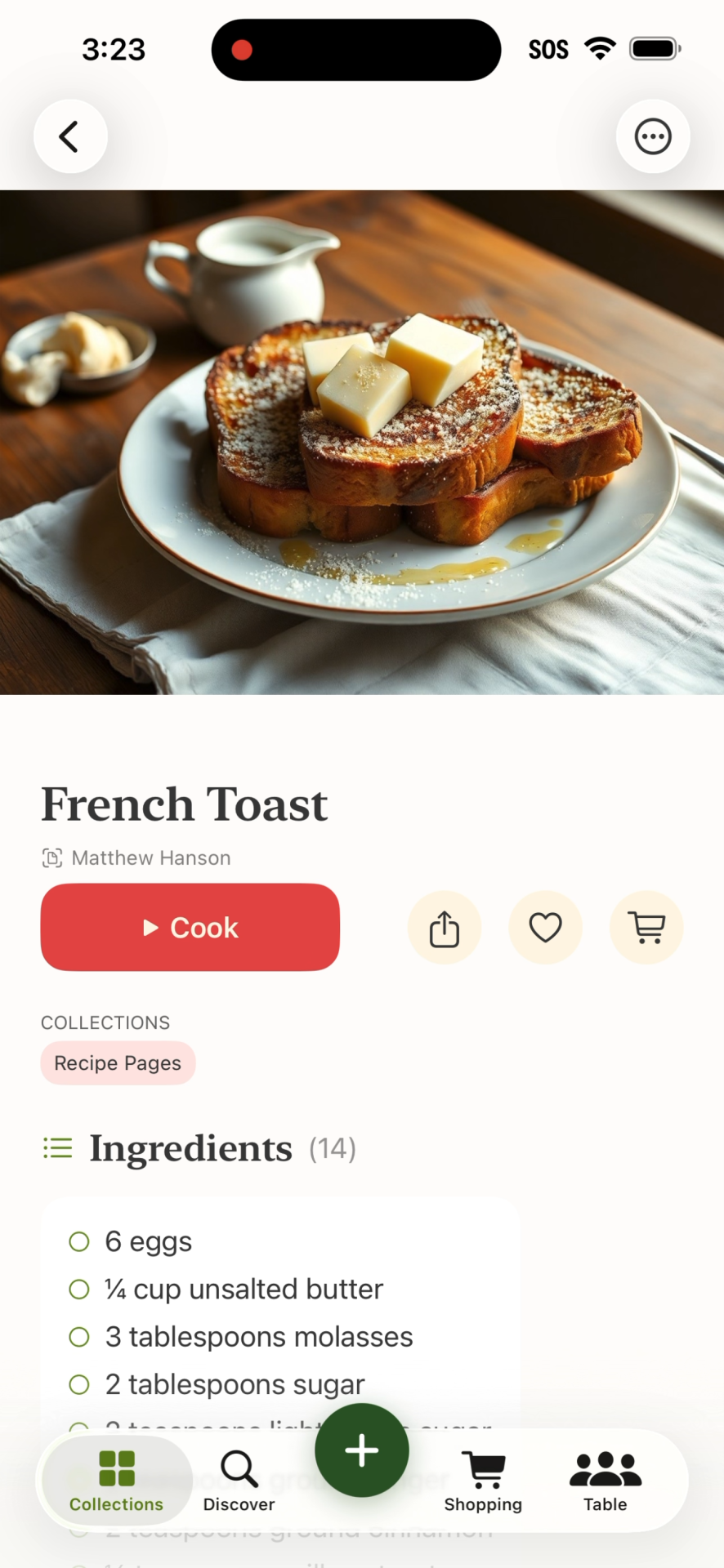
Camera or PDF — OCR + AI structuring.
Silent cooking videos — no narration needed.
See it in action
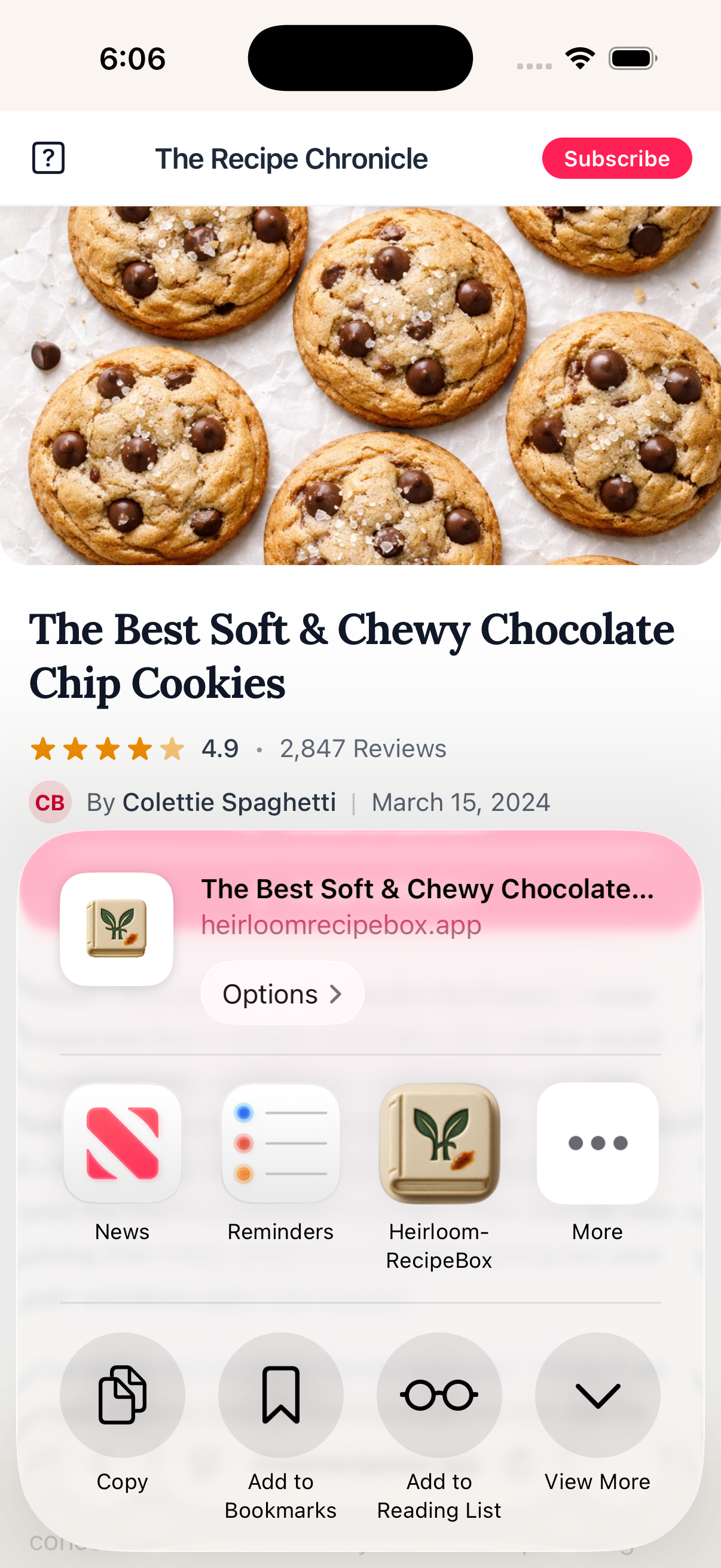
Save a recipe from Safari in one tap — no copy/paste, no switching apps.
Find a recipe anywhere — a blog, a video, a PDF. Tap Share, choose Heirloom, and it's done. The recipe is extracted, structured, and waiting in your Recipe Box.
- Works from Safari, social apps, and your camera roll
- Imports run in the background — keep browsing
- AI extracts title, ingredients, and steps automatically
- Private by default — nothing shared unless you choose
The fastest way to save recipes
From wherever recipes live
Even more ways to capture recipes
Under the hood
Task-specific model selection across 8 AI task types. Cost-optimized per operation.
Edit recipes on any device, even without internet. Changes merge automatically.
No API keys in the app. On-device audio transcription. Your data stays yours.
Every recipe has a verifiable history. Attribution chains track who created and shared what.
FAQ
Start preserving